

WooCommerce and European ERPs: connector or API, system by system
How SAP Business One, Business Central, Odoo, Exact Online, Sage, DATEV and POHODA exchange data with WooCommerce, and…
Read moreREST, GraphQL, webhooks: we connect your store with ERP, PIM, WMS and CRM. No lost orders, no manual exports.
An integration that only works in a demo is worse than none. We design data flows for real order volumes and real failures, with a queue, retries and logs, not just for the scenario where everything goes well.
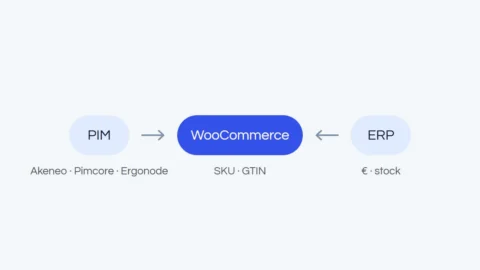
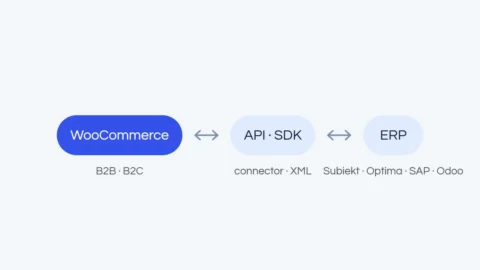
The API is rarely the hard part. The data is: a store and an ERP understand even a product, a variation or an order status differently. That is why we start with a conversation and our own research, and map the fields by hand, on real data. We describe the steps in how we design ERP integrations, and what works and what does not in our WooCommerce ERP integration guide.
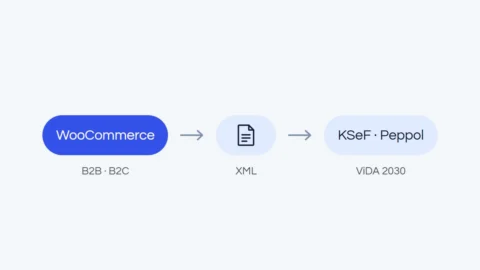
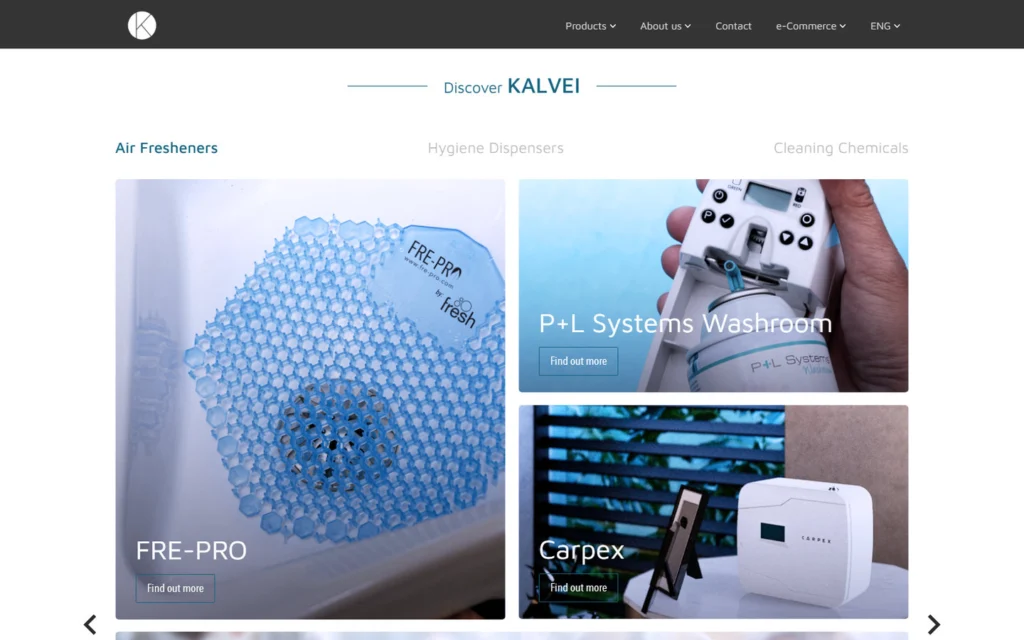
An example from our projects: the Kalvei B2B store syncs with its ERP in real time, verifies companies in the Czech ARES business register on its own and generates XML files for trading partners.
We learn how your process works, then usually spend 2-3 days going through the ERP and its documentation ourselves. You get an integration plan and a rollout plan.
What flows in which direction, which fields are internal only and how the trade name differs from the warehouse name. We map the fields by hand, on real data.
On a copy of the ERP or a test warehouse, or on a test product if that is not possible. Invoicing is switched off or in test mode.
We agree the error alerts with you. Ongoing monitoring of the integration, uptime and important changes is part of the maintenance package.
ERP / PIM / CRM integrations:
what would it cost in your case?
Three form steps, no commitment. We reply within 24 business hours, then a 30-minute call and a proposal with the scope.
Ready-made plugins have limited features. With a simple catalog and a typical ERP setup they are often enough, but custom fields, price lists and statuses quickly outgrow them.
We quote a custom integration after a short conversation about your ERP, your data and the scope.
Cheaper to start, but with a license or subscription and a limited scope. A good choice for less demanding stores, as long as you know its limits.
Built around your process: your fields, price lists, statuses and exceptions. At a larger scale it is usually the cheapest route, because manual corrections disappear.
Invoices usually come from invoicing software connected to the store, or from the ERP if it has that function and an API to trigger it. With e-invoicing mandates spreading across the EU, decide this at the start.
Most of our integrations are with ERP systems common in Poland (Subiekt GT and nexo, Comarch ERP Optima and XL, enova365) and the Czech Pohoda. Every serious ERP has a way to exchange data; the question is what its limits are.
Undocumented ERP extensions, written over the years by different companies, that part of the data passes through.
The ERP has an API, but an old module the company relies on does not, so that data needs another route.
The ERP or its server only accepts so many requests. With a large catalog, we send data in batches at our own pace.
Product images can be the hardest part of the exchange, as they were in an integration with Pohoda.
One product with variations is several item codes in the ERP, and one payment status can have several equivalents.
Very little is needed to begin, and after launch you know how everything works and who to call.
Which ERP you use, access to it and the documentation of its API or integration module. No sample data needed: we review it ourselves.
Usually 2-4 weeks from the decisions to launch. Haste is not your friend here: an extra week on decisions costs less than a month of fixing stock levels.
A working solution, documentation and instructions.
Ongoing monitoring of the integration, site uptime and important updates in the maintenance package. We tell you about major security updates on our own initiative.
Briefly on cost, timelines, testing and what comes next.
Have another question? Write to usHow SAP Business One, Business Central, Odoo, Exact Online, Sage, DATEV and POHODA exchange data with WooCommerce, and…
Read moreMore EU countries require structured e-invoices between businesses, and ViDA makes them the rule for cross-border B2B sales…
Read moreSelling in several EU markets means product data in several languages, and EU rules increasingly decide what a…
Read more