
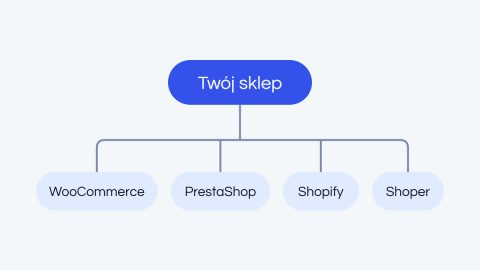
How to choose a platform for your store or website: WooCommerce, PrestaShop, Shopify or Shoper?
There is no platform that is best for everyone. There is the platform that is best for your…
Read morePrestaShop and Shoper store builds and migrations. Tailored to your business model, not template-based, with custom modules.
PrestaShop, Shoper and Shopify make sense where WooCommerce is no longer enough: multistore, foreign markets, specific B2B models. We match the platform to the business model, not the other way around.
We check whether PrestaShop, Shoper or Shopify really fits the business model before we start.
Schedule, module scope, risks related to moving the data.
Iteratively, with a focus on payments, shipping and local integrations (InPost, DPD, Przelewy24).
We monitor the first weeks of production traffic.
PrestaShop & Shoper:
what would it cost in your case?
Three form steps, no commitment. We reply within 24 business hours, then a 30-minute call and a proposal with the scope.
An old version of PrestaShop and PHP means no security patches and modules that stop working over time. We move the store to the current version so it works as before, only more securely. The goal is a store that keeps all its features, not the highest version number at any cost.
Some paid modules from the older version need a new license or a replacement. We show these costs before work starts. If needed, we also move the store to a new server, ideally as a separate stage.
We make a full copy of the store and a test environment. We check PHP, the database and the server, the modules (including custom ones and overrides), the theme and the integrations: payments, shipping, invoicing, marketplaces, mailing and analytics. You get a report with a decision for every module and a binding quote.
On a separate server we upgrade PHP and PrestaShop (version 8 or 9, depending on the audit), move products, customers, orders and content, update or replace modules and adapt the theme. The production store keeps running normally the whole time.
We test the purchase flow, payments, shipping, invoicing, integrations and the admin panel. You get access to the test version and approve it before anything goes to production.
We deploy in an agreed window, usually at night when traffic is lowest, with a full backup of the database and files ready for a quick restore. Then we monitor the store and react quickly to any errors.
There is no platform that is best for everyone. There is the platform that is best for your…
Read more